
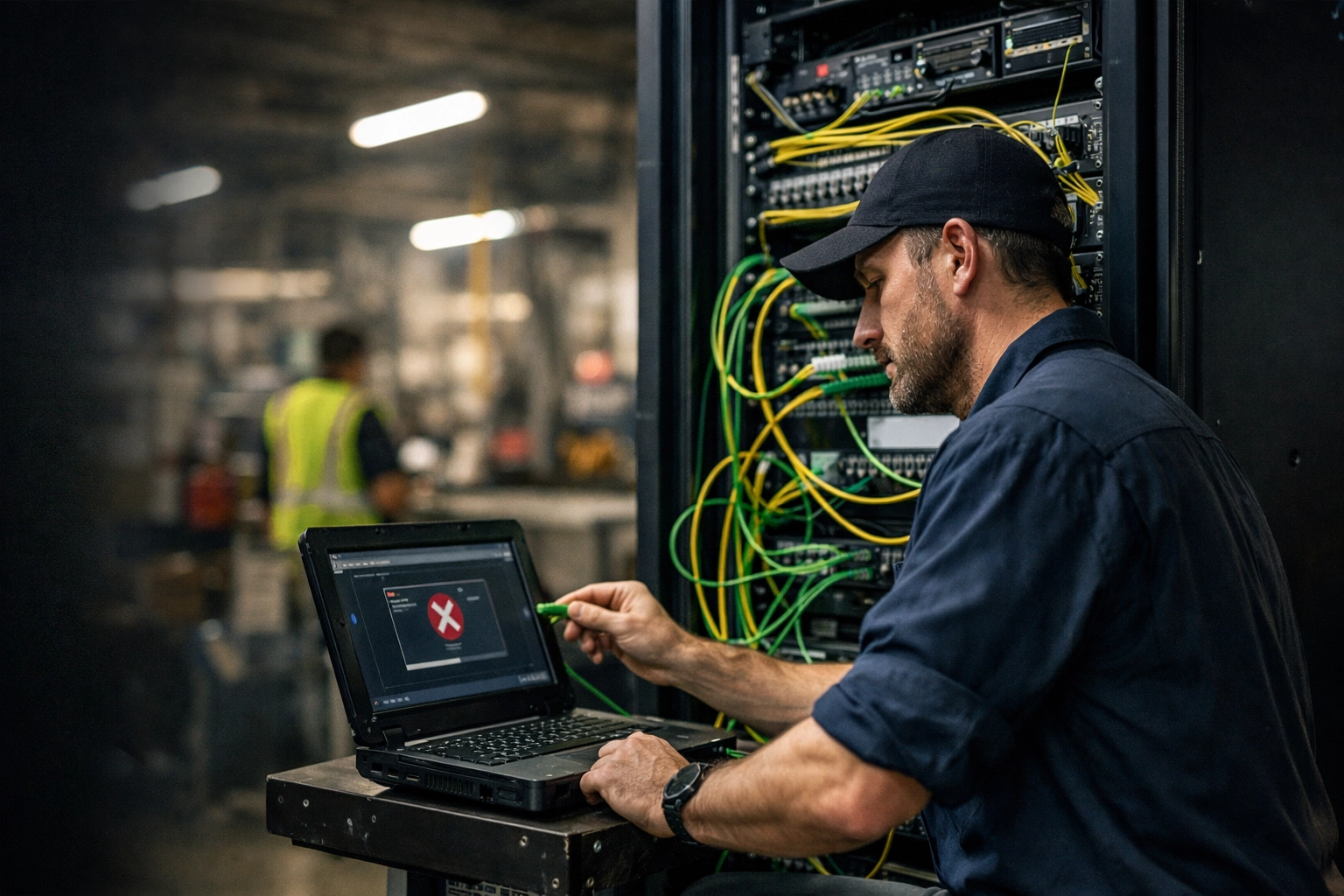
You finally did it. You signed the contract for high-speed fiber. No more slow uploads, no more Zoom calls dropping in your Omaha office, and no more excuses from the ISP about "old copper lines." The technician shows up, plugs in the new gateway, tells you "you’re all set," and leaves.
Then, the lights go out: metaphorically.
Your phones stop ringing. Your credit card terminals go offline. Your team in Lincoln can’t access Microsoft 365. You plug the cable into your firewall, but nothing happens. Suddenly, that "faster" internet has cost you thousands in lost productivity before lunch.
At SAINT Technology Services, we see this "ISP Cutover Disaster" more often than we should. Business owners are sold on the speed of fiber but aren't told about the technical surgery required to make it work with their existing infrastructure. If you don't have a plan, a simple ISP swap can paralyze your business.
The "New Fiber" Nightmare: When Faster Isn't Better
Most business owners treat an internet upgrade like a residential move. You plug it in, and it works, right? Wrong. In a professional environment: whether you’re running a manufacturing plant in Fremont or a law firm in downtown Lincoln: your network is a complex ecosystem of static IPs, firewall rules, and DNS records.
When a new provider like Cox, Lumen, or Alloy Business moves you to fiber, they aren't responsible for your internal network. They provide the pipe; they don’t care if the water reaches your faucet. If your Cisco Meraki isn't configured for the new handoff, or if your gateway settings are still looking for the old ISP, your business is effectively dead in the water.

5 Reasons Your Network Broke During the Cutover
Transitioning to a new ISP is more than just a physical cable swap. Here is why your "plug and play" upgrade turned into a "plug and pray" disaster.
1. The Static IP Trap
Most Nebraska businesses require static IP addresses for their servers, VPNs, and security cameras. When you switch ISPs, your public IP address changes. If your IT team hasn't updated your firewall to reflect these new addresses, your remote employees won't be able to log in, and your external services will fail.
2. Firewall and Cisco Meraki Misconfigurations
This is the most common point of failure. You bought a new Cisco Meraki or Fortinet firewall to go with your fast fiber, but it’s sitting in a box. Or worse, it’s plugged in but hasn’t been provisioned. Modern firewalls require specific "handshaking" with the ISP’s gateway. If the VLAN tagging is wrong or the WAN port isn't configured for the new fiber handoff (which often uses different protocols than cable or DSL), the traffic simply stops at the door.
3. DNS: The Silent Killer of Productivity
DNS (Domain Name System) is the phonebook of the internet. When you change ISPs, your DNS records often need to be updated. If your email or web services are tied to your old connection’s IP, the rest of the world will keep trying to send data to a disconnected line. Propagation can take hours: or days: if not managed proactively.
4. ISP Handoff Mismatches (SFP vs. RJ45)
Fiber connections often come with different physical handoffs. If your new ISP provides an SFP (fiber) handoff but your existing equipment only accepts RJ45 (copper/ethernet), you’re stuck. Without the right transceivers or media converters on hand, your cutover ends before it even begins.
5. DHCP and Gateway Conflicts
If the new ISP gateway is trying to hand out IP addresses (DHCP) while your internal server is also trying to hand them out, you get an IP conflict storm. This creates intermittent connectivity where some computers work and others don't, making it a nightmare for IT Support in Lincoln Nebraska to troubleshoot after the fact.

The Cost of an Unplanned Migration in Nebraska
In cities like Omaha and Lincoln, business moves fast. A manufacturing facility that loses its connection to the ERP system for four hours isn't just "inconvenienced": it’s losing tens of thousands of dollars in billable time and shipping delays.
We’ve seen businesses try to save a few hundred dollars by "self-installing" their new fiber, only to spend three times that amount on emergency Managed IT Services in Lincoln, Nebraska to get them back online. Reactive IT is always more expensive than proactive planning.
How to Prevent the Disaster: The SAINT Pre-Cutover Checklist
Before you let an ISP technician touch your building, you need a tactical plan. At SAINT, we follow a strict protocol to ensure zero downtime during a move or upgrade.
- Audit Current Static IPs: Document every device that relies on your current IP scheme.
- Pre-Configure Hardware: Your Cisco Meraki or firewall should be staged and tested before the cutover date.
- Coordinate the Handoff: Ensure the ISP technician and your IT partner are on-site at the same time. Never let the ISP leave until the firewall is passing traffic.
- Lower DNS TTL: 48 hours before the move, lower your Time-to-Live (TTL) settings so DNS changes take effect in minutes, not days.
- Verification: Test every critical system: VOIP phones, credit card machines, VPNs, and cloud backups: before declaring the project finished.

How SAINT Technology Services Stabilizes Your Network
We don't just "fix" computers; we engineer reliability. When a business in Omaha or Lincoln plans a network migration, we treat it like a mission-critical operation. We provide the Cybersecurity Services Nebraska businesses need to ensure that their new, faster connection isn't also a new, faster doorway for hackers.
Our approach to network infrastructure is proactive. We don’t wait for the cutover to fail. We manage the ISP relationship, configure the hardware, and ensure that when the switch is flipped, your team doesn't even notice. We provide flat-rate, transparent pricing so you never get a "surprise" bill because a cutover took longer than expected.
Serving Businesses in Lincoln and Omaha
Whether you are located in the Haymarket, downtown Omaha, or operating a facility in Fremont, SAINT is your local boots-on-the-ground partner. We understand the local ISP landscape and know exactly which pitfalls to avoid with local providers.
Frequently Asked Questions (FAQ)
Why did my internet stop working immediately after the fiber upgrade?
Most likely, your firewall or router is still configured with the settings from your old ISP. Fiber connections often require different WAN configurations, static IP updates, or VLAN tagging that your old cable or DSL modem didn't need.
Can I use my old router with my new fiber connection?
While physically possible in some cases, it’s usually a bad idea. Fiber speeds often exceed the processing power of older routers, creating a bottleneck. Furthermore, business-grade fiber requires professional firewalls (like Cisco Meraki) to maintain security and handle the throughput.
How long does a typical ISP cutover take?
With proper planning, the actual downtime should be less than 15 minutes. Without a plan, we have seen businesses stay offline for 2 to 3 days while they wait for IT support to reconfigure their entire stack.
Do I need to be on-site when the ISP arrives?
You or your IT partner should definitely be there. ISP technicians are only responsible for bringing the signal to their equipment. They will not touch your firewall, your switches, or your servers. If your IT isn't there to catch the handoff, you will likely go offline.
What is a "handoff" in networking?
The handoff is the physical and logical point where the ISP's network ends and your business network begins. This is usually an Ethernet port or a fiber optic SFP port on the back of the ISP's gateway.
Why is my VPN not working after getting new fiber?
Your VPN is likely tied to your old public IP address. When you switched ISPs, your public IP changed. You need to update your VPN server settings and potentially your DNS records so your employees' devices know where to find the new connection.
Can SAINT help if my ISP already finished the install and broke my network?
Yes. We provide emergency Network Support Lincoln NE and Omaha businesses rely on. We can step in, assess the misconfiguration, and get your Cisco Meraki or firewall talking to the new fiber line immediately.
Stop the Downtime Before It Starts
Don't let a "speed upgrade" become a business shutdown. If you are planning a move, an ISP change, or a hardware refresh, you need a partner who understands the high stakes of Nebraska business operations.
If your business in Lincoln or Omaha is dealing with slow systems, downtime, or unreliable IT support : SAINT fixes it before it becomes a problem.
Related Services: